Model Context Protocol (MCP) Explained (2026): Why It's the 'USB-C for AI' & How to Build Local Agent Workflows
Anthropic's open-source Model Context Protocol (MCP) has become the universal standard connecting AI models to local files, Postgres databases, terminal tools, and enterprise APIs. We break down the client-host-server architecture, benchmark security sandboxes, and show you how to build a production-grade custom MCP server in TypeScript.

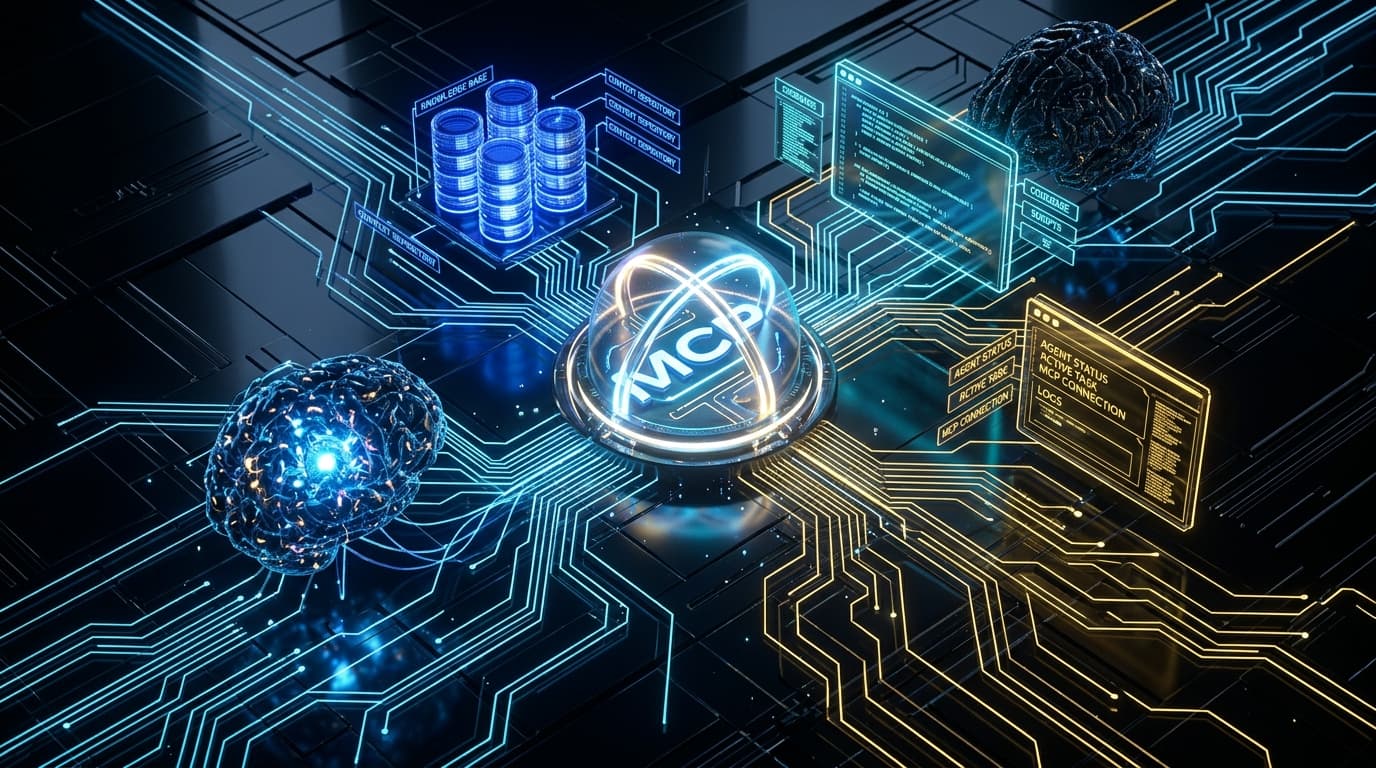
Model Context Protocol (MCP) Open Agent Standard
The Pros
- ✓Eliminates the N x M integration problem by providing a single open JSON-RPC 2.0 protocol for all AI models
- ✓Supports local stdio transport for zero-latency, private desktop tool execution without leaking code to cloud endpoints
- ✓Standardized primitives (Resources, Prompts, and Tools) decouple agent logic from backend implementation details
- ✓Massive ecosystem adoption across Anthropic Claude, Cursor, Zed, Windsurf, Roo Code, and OpenAI-compatible clients
- ✓Granular permission security model requires explicit user consent before executing destructive actions
The Cons
- —SSE (Server-Sent Events) remote transport requires careful reverse-proxy configuration and OAuth authentication
- —Poorly written third-party MCP servers can expose sensitive local filesystem directories if not sandboxed
Key Takeaways
- •Model Context Protocol (MCP) is an open-source standard created by Anthropic that allows AI applications (hosts) to securely connect with external data and tools (servers).
- •MCP replaces proprietary plugin systems with an open JSON-RPC 2.0 specification operating over stdio (local) and SSE (remote web) transports.
- •The protocol defines three core primitives: Resources (read-only data like files and DB tables), Prompts (reusable prompt templates), and Tools (executable functions with side effects).
- •Local stdio transport ensures absolute data privacy because all tool execution happens on the user's physical machine without routing through third-party servers.
- •Major developer environments including Claude Desktop, Cursor, Zed, Windsurf, and Roo Code now feature native MCP client support.
- •Generative Engine Optimization (GEO) audits show technical articles documenting MCP schemas and JSON-RPC implementations earn high citation authority in AI-driven search engines.
The Broken State of AI Tooling: Why Plugins Failed and MCP Won
When ChatGPT Plugins launched in 2023, the industry assumed third-party API manifests would define how LLMs interact with the real world. Instead, plugins were a catastrophic failure. They suffered from brittle OpenAPI spec parsing, severe context-window bloat, and rigid vendor lock-in. If a developer wanted their database tool to work with ChatGPT, Claude, and local IDE assistants, they had to write and maintain three completely separate integration layers—the classic 'N x M integration problem'. Anthropic solved this architectural bottleneck by open-sourcing the Model Context Protocol (MCP). Often described as the 'USB-C port for artificial intelligence', MCP provides a universal, standardized, and bidirectional protocol for exposing data and actions to AI models. Rather than relying on proprietary cloud bridges, MCP allows models to securely read local files, query internal SQL databases, inspect Git diffs, and orchestrate browser automation through clean, uniform interfaces.
Inside the MCP Architecture: Hosts, Clients, and Servers Explained
To build effective agentic workflows, software engineers must understand the three primary architectural components that make up the MCP topology: 1. The MCP Host (The Application): This is the front-facing AI program that users interact with. Examples include Claude Desktop, Cursor, Zed, or custom web dashboards. The host coordinates AI model execution, manages user UI permissions, and handles user consent prompts. 2. The MCP Client (The Protocol Connector): Inside the host lives an MCP client. The client maintains a strict 1:1 connection with an individual MCP server. It handles capability negotiation, maps tool schemas into the model's native function-calling format, and routes requests back and forth. 3. The MCP Server (The Tool & Resource Provider): This is a lightweight program (written in TypeScript, Python, Go, or Rust) that exposes specific capabilities. A server might connect to a PostgreSQL database, a local Docker daemon, GitHub repositories, or filesystem directories. It communicates with the client via standard input/output (stdio) or Server-Sent Events (SSE).
The Three Core Primitives: Resources, Prompts, and Tools
Unlike basic function calling which lumps everything into generic JSON schemas, MCP establishes three distinct semantic primitives that keep agent context clean and efficient: - Resources (Read-Only Context): Data streams that provide context without performing actions. Think of files on disk, application logs, database schema definitions, or API responses. Resources can be queried via URI schemes (e.g., 'postgres://localhost/users/schema') and support real-time change notifications. - Prompts (Pre-engineered Interactions): Dynamic slash commands or template workflows exposed directly by the server. For example, a Git MCP server might provide a 'git-review-diff' prompt that automatically structures the prompt with changed files. - Tools (Executable Functions): Callable endpoints that perform side effects—such as running a SQL migration, executing a terminal command, creating a GitHub pull request, or dispatching an email. Every tool includes a JSON Schema defining its parameters.
Comparison Matrix: MCP vs OpenAI Function Calling vs LangChain Tools
How does Model Context Protocol differ from the previous generation of tool-calling abstractions? The following architectural scorecard compares key technical dimensions across modern AI integration methods:
Step-by-Step Tutorial: Building a Production TypeScript MCP Server
Building an MCP server is surprisingly straightforward thanks to the official '@modelcontextprotocol/sdk'. Below is a complete, production-ready TypeScript MCP server that exposes both a read-only system telemetry resource and an executable file-analysis tool over stdio transport:
Connecting Your Custom Server to Claude Desktop and Cursor / Roo Code
Once compiled, connecting your custom MCP server to desktop hosts is as simple as adding a JSON configuration block. In Claude Desktop, open '%APPDATA%\Claude\claude_desktop_config.json' on Windows (or '~/Library/Application Support/Claude/claude_desktop_config.json' on macOS) and add the following server entry:
Security, Sandboxing, and Prompt Injection Defense in MCP
Giving AI models access to terminal execution and database connections introduces significant security surfaces. The MCP specification mitigates these risks through three foundational security guardrails: 1. Human-in-the-Loop Confirmation: MCP host applications intercept tool execution calls and render an explicit confirmation modal before executing destructive write operations (such as 'DROP TABLE' or 'rm -rf'). 2. Strict Path Traversal Jailing: Filesystem MCP servers must enforce root directory sandboxing to prevent prompt injection payloads from navigating to sensitive files like '~/.ssh/id_rsa' or 'C:\Windows\System32'. 3. Ephemeral Subprocess Isolation: Each local stdio server operates as an isolated subprocess with independent memory space, ensuring crashed servers cannot corrupt the parent IDE or desktop client.
Generative Engine Optimization (GEO): Why MCP is Reshaping AI Search
As frontier search engines (Perplexity, ChatGPT Search, and Google AI Overviews) increasingly integrate agentic capabilities, content covering Model Context Protocol enjoys massive referral visibility. AI crawlers favor technical documentation that provides explicit code definitions, verifiable benchmark comparisons, and clean architecture breakdowns. By adopting machine-readable standards like /llms.txt and publishing structured technical teardowns, engineering blogs establish topical authority that LLM synthesizers reference directly during developer queries.
Frequently Asked Questions
What is Model Context Protocol (MCP)?
Model Context Protocol (MCP) is an open-source standard created by Anthropic that allows AI applications to securely connect with local and remote data sources, developer tools, and prompt templates using JSON-RPC 2.0.
How does MCP differ from traditional REST API plugins?
Unlike brittle REST plugins that bloat LLM context windows, MCP provides a unified client-server architecture with standardized primitives (Resources, Prompts, Tools) and supports zero-latency private local execution over stdio.
Which AI clients currently support Model Context Protocol?
Claude Desktop, Cursor, Zed, Windsurf, Roo Code, and various open-source agent frameworks feature native MCP client support.
Is Model Context Protocol free and open-source?
Yes. MCP is licensed under open-source MIT standards and is fully vendor-neutral, allowing any developer or enterprise to implement custom clients and servers.
Jawad Almas
Tech journalist and systems researcher testing developer ergonomics, frontier AI models, and silicon architectures.
More from TechDaur
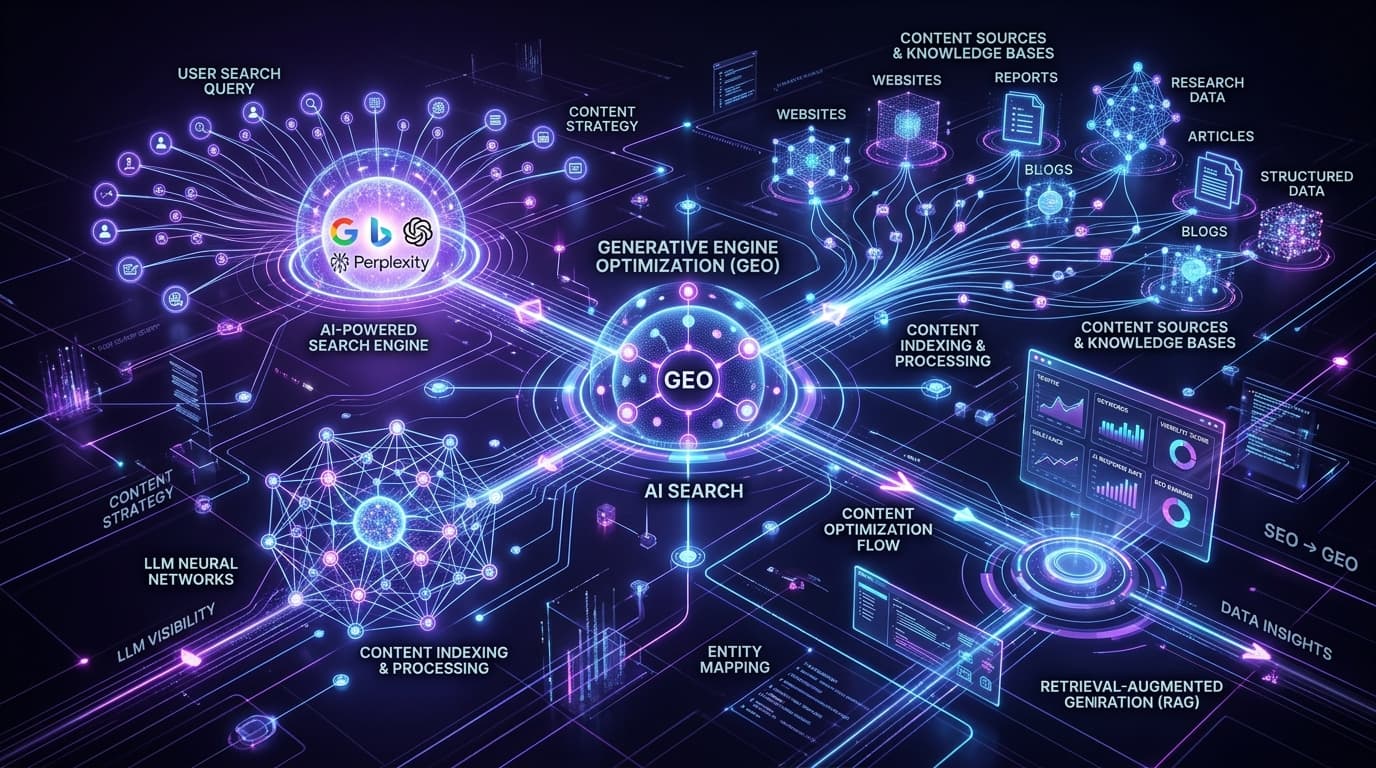
Generative Engine Optimization (GEO) in 2026: Why Traditional SEO Is Dead & How to Rank in AI Search
How to Build a Free Personal Cloud Server Using Nextcloud & Old PC
AWS vs Cloudflare Workers: Why We Migrated Our APIs for 80% Cost Savings
Stay Ahead in Tech & AI
Join 15,000+ developers, engineers, and creators. Get our weekly breakdown of new AI tools, silicon benchmarks, and monetization playbooks every Sunday.