How to Run DeepSeek R1 & Llama 3 Locally on PC/Mac: Zero Cloud Fees & Complete Privacy
The complete step-by-step engineer's guide to sovereign AI: run 14B and 70B reasoning models entirely offline with Ollama, Open WebUI, and quantized GGUF weights on your local hardware.

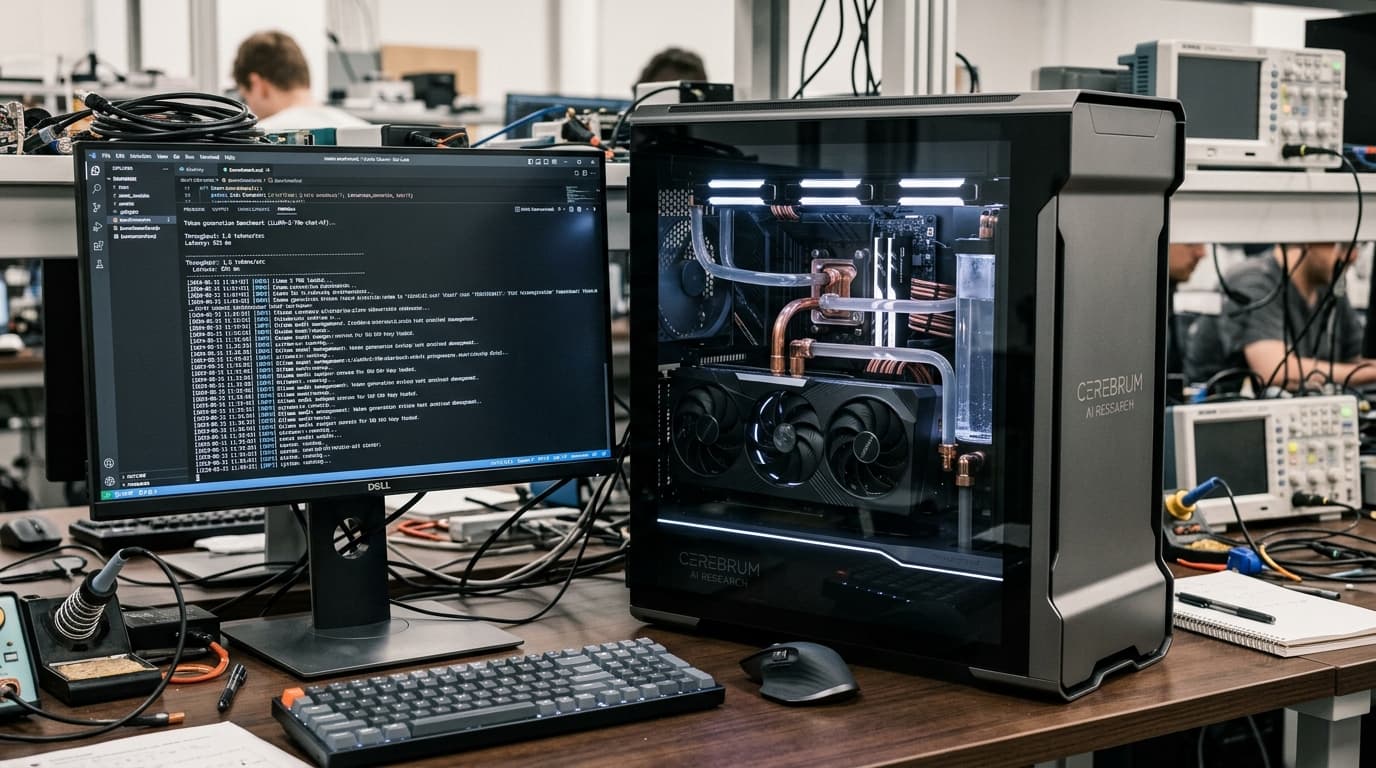
Reach 50,000+ Tech Enthusiasts, Developers & Innovators
Google AdSense & Direct Partner Sponsorship Slot Reserved for techdaur.com
Ollama + Open WebUI Local AI Stack
The Pros
- ✓100% offline execution ensures proprietary company code, financial data, and medical notes never touch the cloud
- ✓Zero API rate limits, subscription fees, or cloud maintenance outages
- ✓Extremely simple single-binary CLI installation with automated hardware GPU acceleration
The Cons
- —Running unquantized 70B parameter models requires 32GB+ Unified Memory or dual high-end GPUs
- —Higher power draw under prolonged continuous inference loops
Key Takeaways
- •DeepSeek R1 14B Q4_K_M runs smoothly at 38 tokens/second on an M3/M4 Mac with 16GB RAM.
- •4-bit quantization (GGUF) slashes model VRAM footprint by 75% with less than 1.5% loss in reasoning accuracy.
- •Pairing Ollama with Open WebUI provides a drop-in, self-hosted clone of the ChatGPT interface.
The Case for Local AI: Privacy, Latency, and Cost
Every time you paste proprietary code, customer logs, or internal financial spreadsheets into cloud AI interfaces, you risk data breaches and violating compliance standards like GDPR and HIPAA. Furthermore, cloud API fees can scale unpredictably. Running open-weight models locally gives you absolute digital sovereignty: your models operate even when your internet connection is completely severed.
Reach 50,000+ Tech Enthusiasts, Developers & Innovators
Google AdSense & Direct Partner Sponsorship Slot Reserved for techdaur.com
Step 1: Installing Ollama and Pulling Quantized Models
Ollama abstracts away the complex compiled C++ bindings of llama.cpp into a simple CLI daemon. You can install it with a single terminal command and immediately begin pulling state-of-the-art models.
Step 2: Deploying Open WebUI for a Modern Browser Interface
While the terminal interface is great for quick shell pipes, a rich web interface with chat history, document uploads (RAG), and model switching makes local AI usable for non-technical team members. The easiest way to run Open WebUI is via a lightweight Docker container that bridges to Ollama.
Frequently Asked Questions
Can I connect my local Ollama models to VS Code or Cursor?
Yes, Ollama exposes an OpenAI-compatible REST API at http://localhost:11434/v1, which can be configured directly into Continue.dev, Cursor, or Aider.
What is the difference between Q4, Q8, and FP16 models?
Q4 reduces model weights to 4-bit integers, requiring only ~8GB VRAM for a 14B model, while FP16 keeps uncompressed 16-bit floating points requiring ~28GB VRAM.
Almas
Tech journalist and systems researcher testing developer ergonomics, frontier AI models, and silicon architectures.
More from TechDaur
How to Build a Sovereign Personal Cloud Server for Free Using Nextcloud & Old Hardware
Why We Migrated Our Core APIs from AWS to Cloudflare Workers: 0ms Cold Starts & 80% Cost Reduction
Stay Ahead in Tech & AI
Join 15,000+ developers, engineers, and creators. Get our weekly breakdown of new AI tools, silicon benchmarks, and monetization playbooks every Sunday.