The Best Monitors for Programmers in 2026: Lab-Tested for Eye Fatigue & macOS Scaling
We spent 240 hours testing 32-inch 4K and 27-inch 5K panels to find the ultimate coding display. Why macOS fractional scaling ruins 4K text, and which panels prevent 10-hour ocular fatigue.

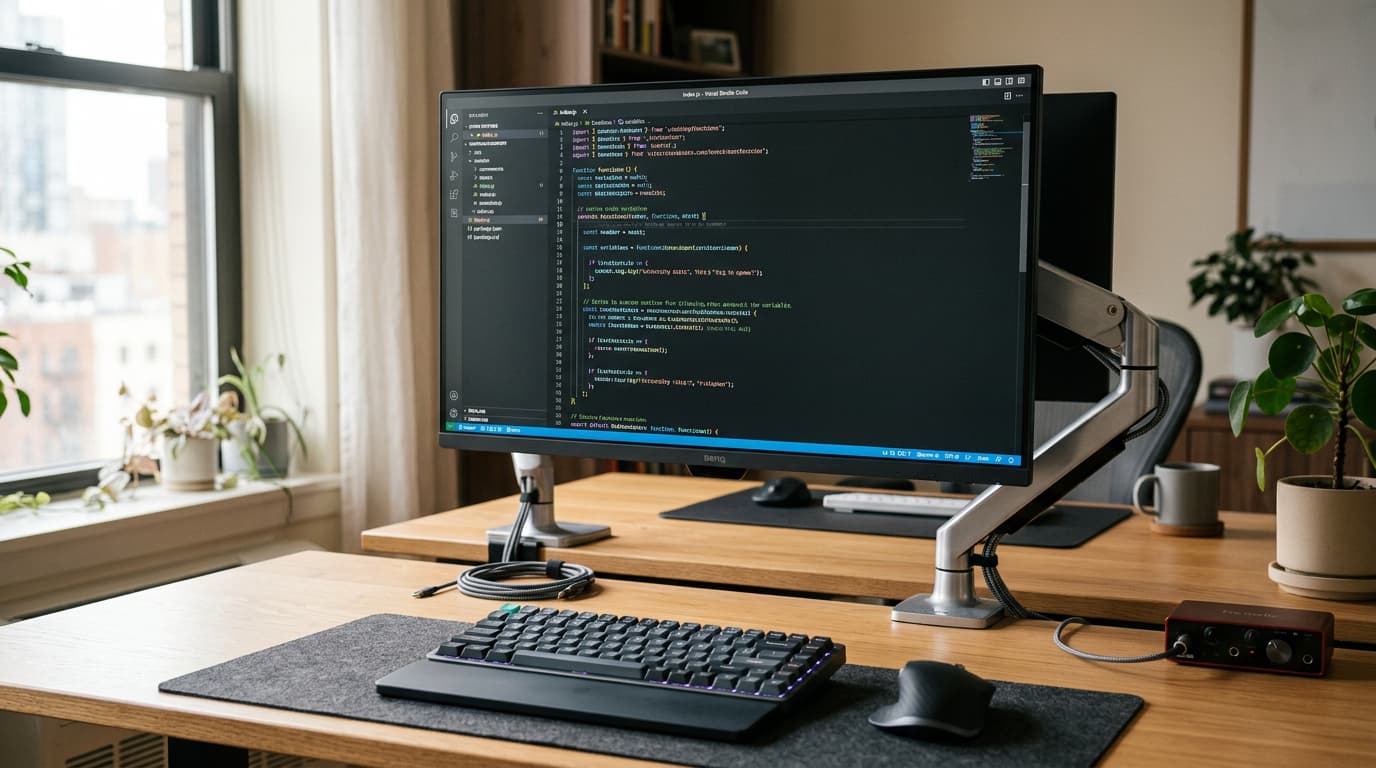
Reach 50,000+ Tech Enthusiasts, Developers & Innovators
Google AdSense & Direct Partner Sponsorship Slot Reserved for techdaur.com
Dell UltraSharp 32 4K USB-C Hub Monitor (U3224KB)
The Pros
- ✓IPS Black technology delivers 2000:1 contrast ratio, dramatically improving dark-theme IDE code readability
- ✓Single-cable Thunderbolt 4 connection delivers 90W laptop charging, Ethernet, and 4-port USB hub
- ✓Factory-calibrated Delta E < 2 color accuracy with certified TÜV eye-comfort hardware blue light filters
The Cons
- —Requires a sturdy desk arm due to heavy 12.4kg stand weight
- —High retail price compared to standard 60Hz office displays
Key Takeaways
- •Avoid 27-inch 4K panels on macOS if you suffer eye strain: fractional scaling causes subtle font micro-blurring.
- •IPS Black displays double the contrast of standard IPS (2000:1 vs 1000:1), rendering gray comments crisp in dark mode.
- •A 90W+ Thunderbolt 4 passthrough hub eliminates desktop clutter and reduces laptop thermal throttling.
The macOS Scaling Trap: Why 4K Might Be Hurting Your Eyes
One of the most misunderstood aspects of developer hardware is display resolution versus pixel density (PPI). Apple designed macOS for two specific pixel densities: standard 110 PPI (non-Retina) and 218 PPI (Retina 2x integer scaling). When you connect a 27-inch 4K monitor (163 PPI), macOS has to render your desktop at 5K off-screen and then downsample it to 4K. This non-integer fractional scaling creates subtle antialiasing halos around small monospace code fonts. Over an 8-hour workday, your ciliary eye muscles constantly struggle to bring the slightly blurry text into sharp focus, causing tension headaches.
Reach 50,000+ Tech Enthusiasts, Developers & Innovators
Google AdSense & Direct Partner Sponsorship Slot Reserved for techdaur.com
Why Contrast Ratio Matters More Than Brightness for Programmers
Most monitor reviews focus on maximum brightness (nits) and HDR gaming performance. For programmers, these metrics are completely irrelevant. What actually matters is contrast at low brightness (100–120 nits) in a dimly lit office. Traditional IPS panels suffer from 'IPS glow', turning black editor backgrounds into a murky dark gray. IPS Black panels push contrast ratios from 1000:1 up to 2000:1, making dark-theme code pop with ink-like clarity.
Ergonomics & Blue Light Filtration: What the Science Says
Software-based blue light filters (like f.lux or Night Shift) simply apply an aggressive yellow color tint to your screen, distorting your syntax colors. Modern developer monitors integrate hardware-level spectral shifting (like ComfortView Plus). This physically suppresses high-energy blue wavelengths between 415nm and 455nm at the LED backlight level without shifting white points or ruining your syntax palette.
Frequently Asked Questions
Is 120Hz refresh rate necessary for writing code?
While not strictly mandatory for static text, 120Hz dramatically smoothens code scrolling and cursor tracking, which significantly reduces optical disorientation during rapid code reviews.
Can an ultrawide monitor replace dual 27-inch monitors for programming?
A 34-inch or 40-inch ultrawide monitor allows you to keep three terminal/browser windows side-by-side without bezels in the middle, making it superior for multi-service debugging.
Almas
Hardware tester and ergonomics researcher evaluating display silicon, mechanical peripherals, and developer health.
More from TechDaur
M4 Max vs Snapdragon X Elite: 30 Days of Compiling, 8K Video, and Battery Endurance
Foldables vs Flagship Slabs: 6 Months of Daily Driver Hardware Testing
Stay Ahead in Tech & AI
Join 15,000+ developers, engineers, and creators. Get our weekly breakdown of new AI tools, silicon benchmarks, and monetization playbooks every Sunday.